YOUR HOME. YOUR POSSIBILITIES.
What can you do with aidoit.ai?
Creating an account is free.
Once you are logged in, you can explore a wide range of tools. From your first photo to drawings, films, budgets and collaboration – discover 21 possibilities for your home.
AI image generation has usage limits. Features in development and separate access requirements are identified below.
01—03
Your starting point
Bring together what you know and what inspires you.
- 01
Properties and projects
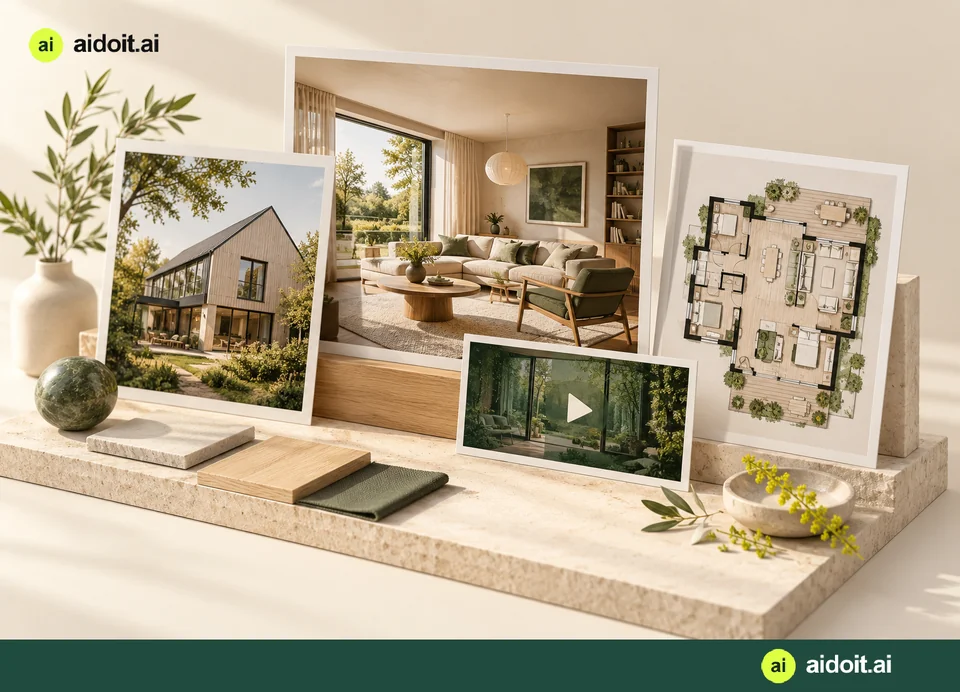
Keep several properties and projects together. Create separate kitchen, bathroom or facade projects, and start with an idea before you have an address.
- 02
Gallery and documentation
Collect photos, videos and drawings for each property. Keep originals and AI proposals distinct, and invite contributions through a private upload link.
- 03
Inspiration and style
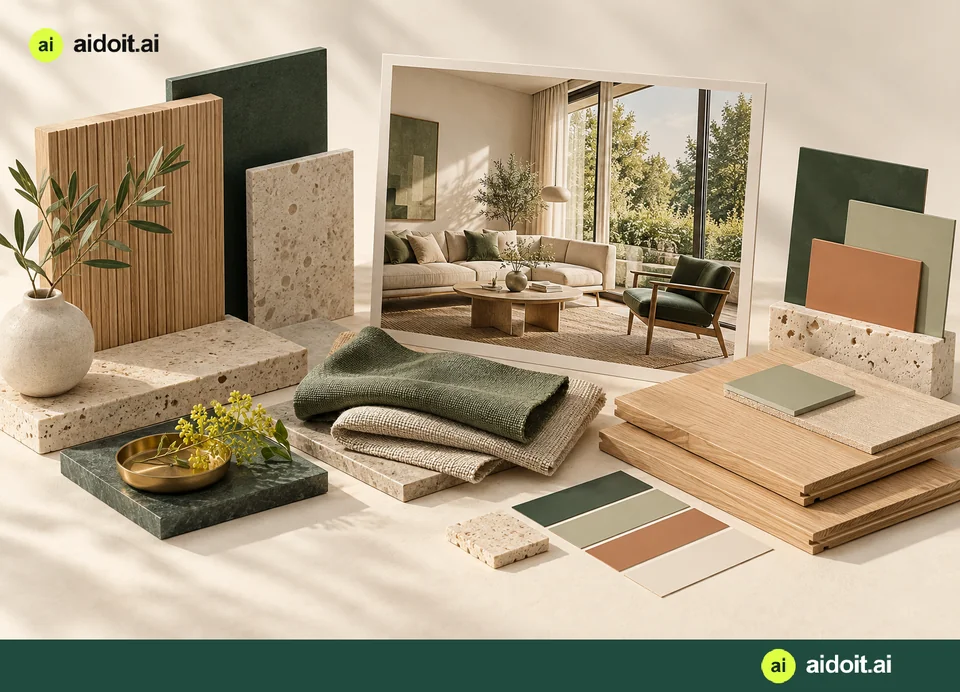
Choose reference images from the gallery and explore colours, materials and styles. Carry a consistent style across several views of your home.
04—10
Explore the possibilities
See your ideas before you decide.
- 04
Renovation visualisations
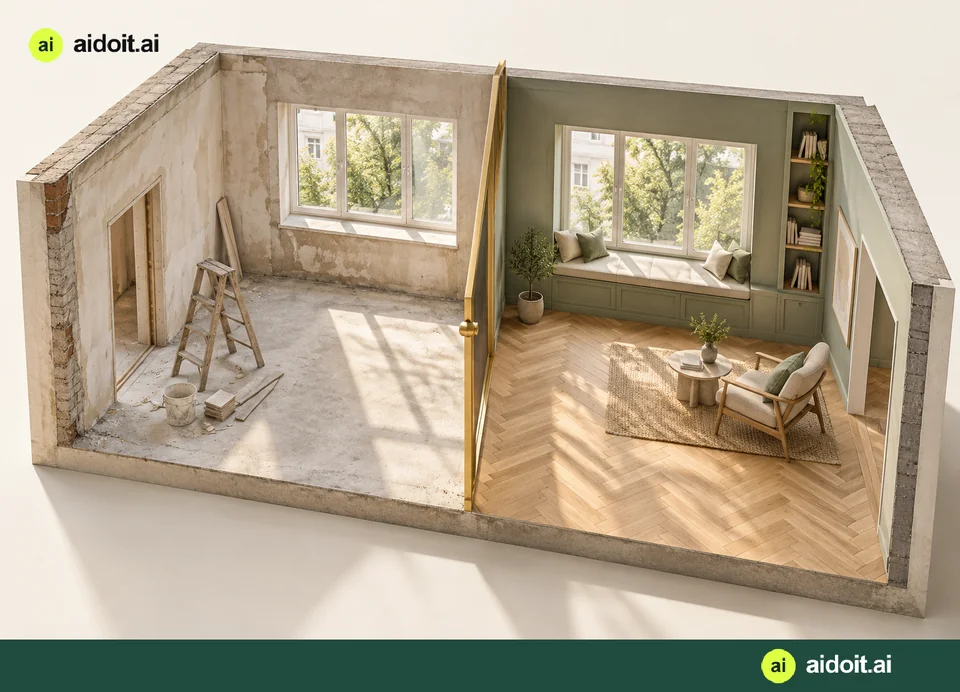
Write or dictate the changes you want. Compare the proposed result with the original and mark the exact area you want to refine.
- 05
Tools for building elements
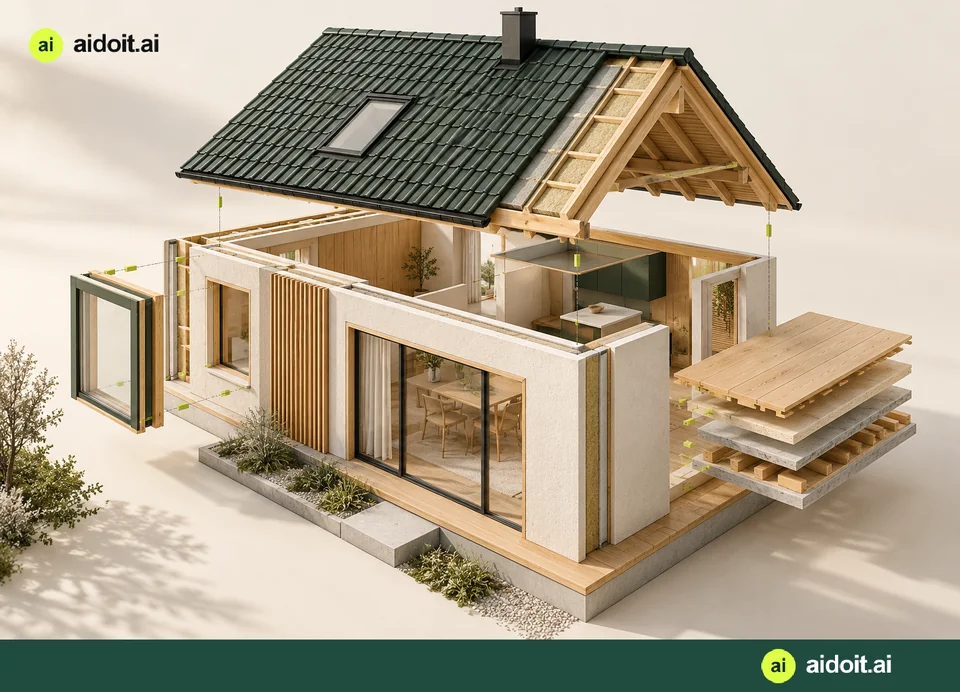
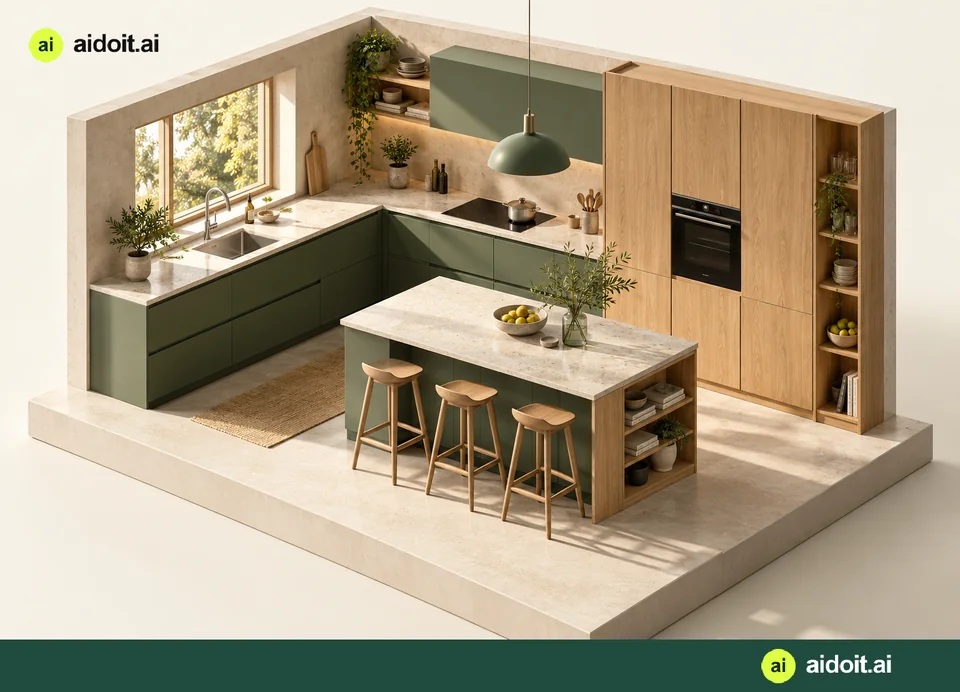
Explore kitchens, bathrooms, floors, walls, ceilings, doors, windows, facades, roofs and gutters, with inspiration and tools for each task.
- 06
Kitchen design
Explore layouts, units, fronts and details. Work with plan and room views, and save alternative proposals before choosing a direction.
- 07
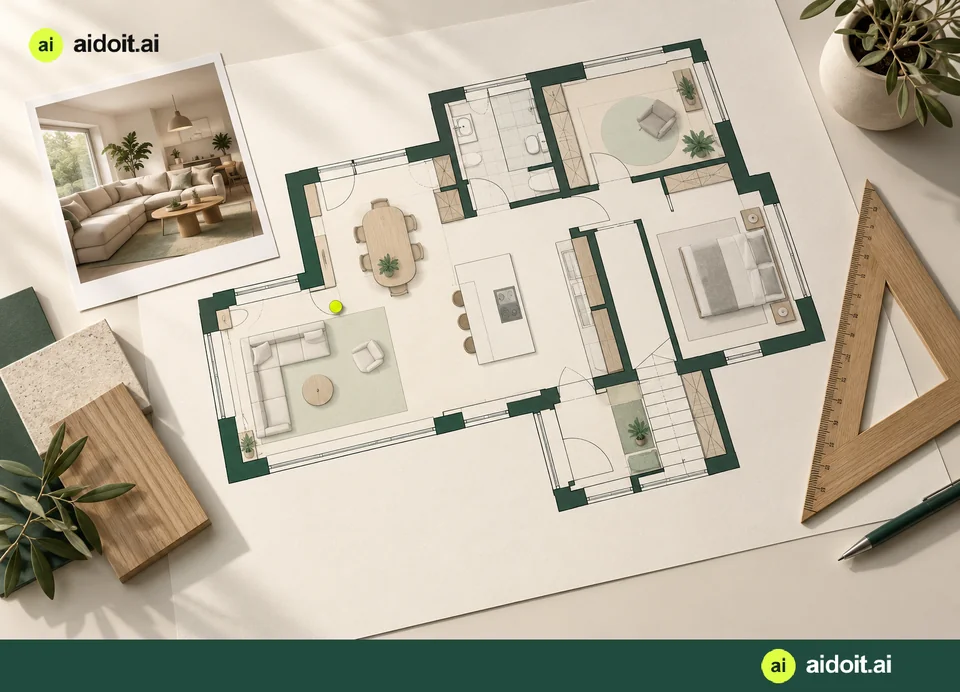
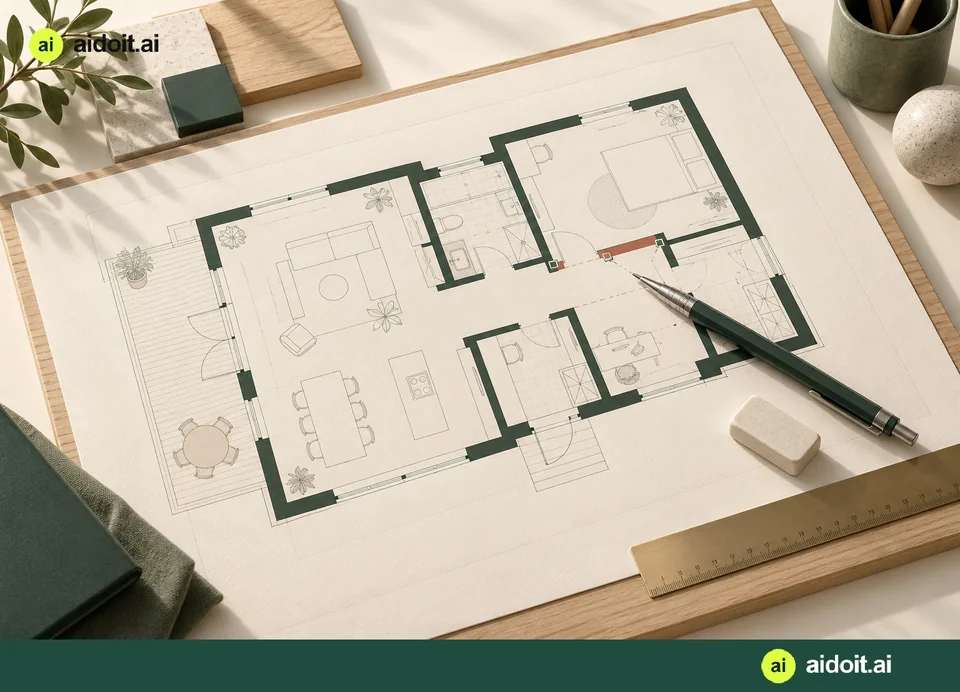
2D floor plans
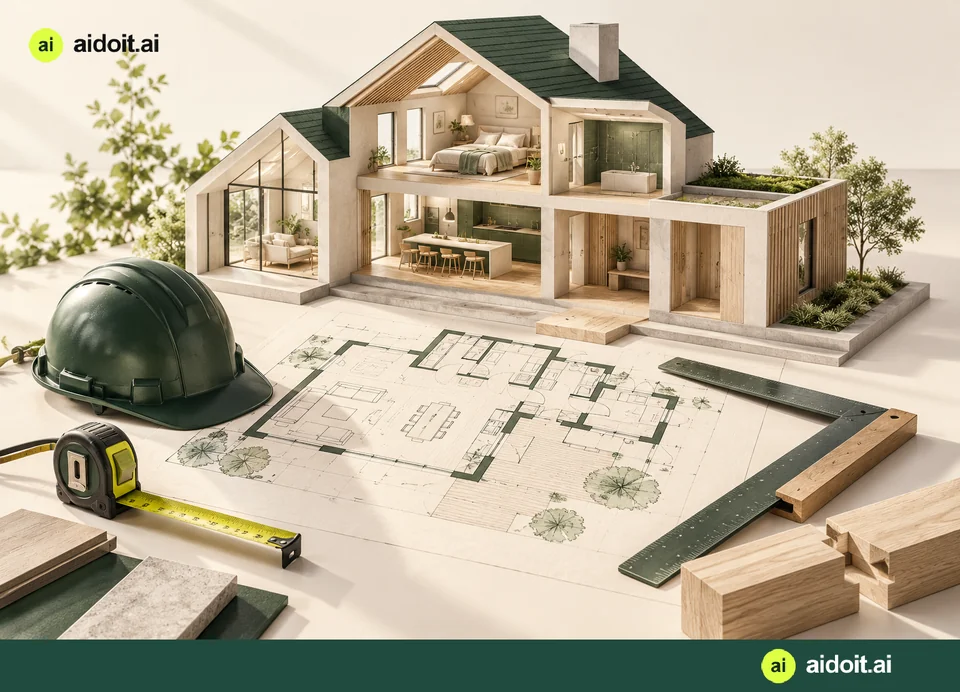
Create an editable plan from photos, recordings or a sketch. For photos, AI interprets the room structure directly without producing a finished 3D image first.
Estimated parts are identified. The plan is not a measured survey.
- 08
Drawing editor
Draw or erase a line, move an element or mark an area. Write or dictate a change, ask what the lines mean, and save the drawing back to the project.
- 09
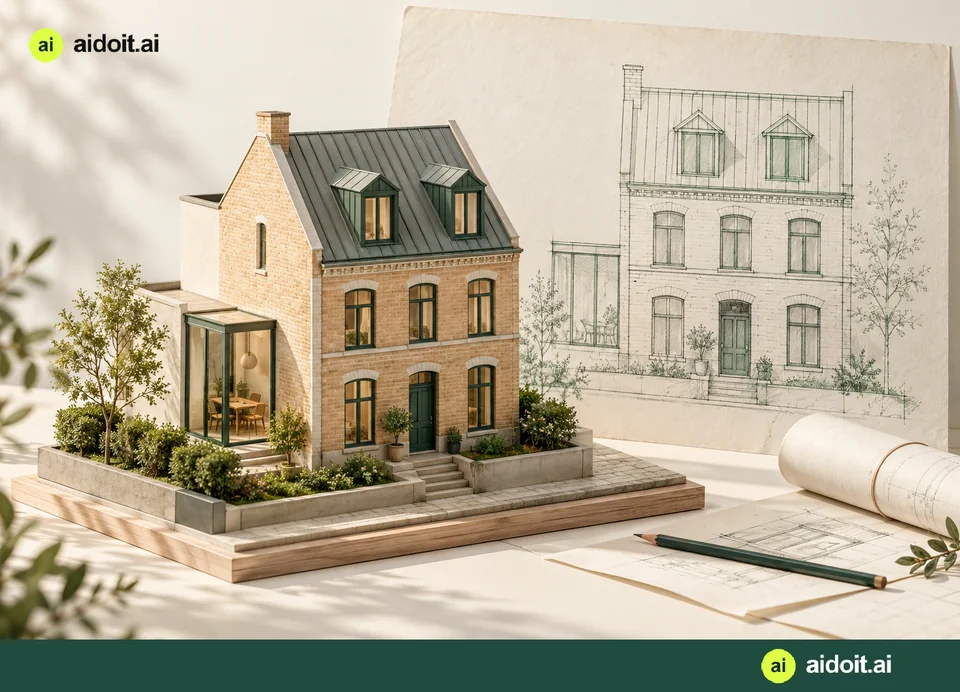
Room and facade sketches
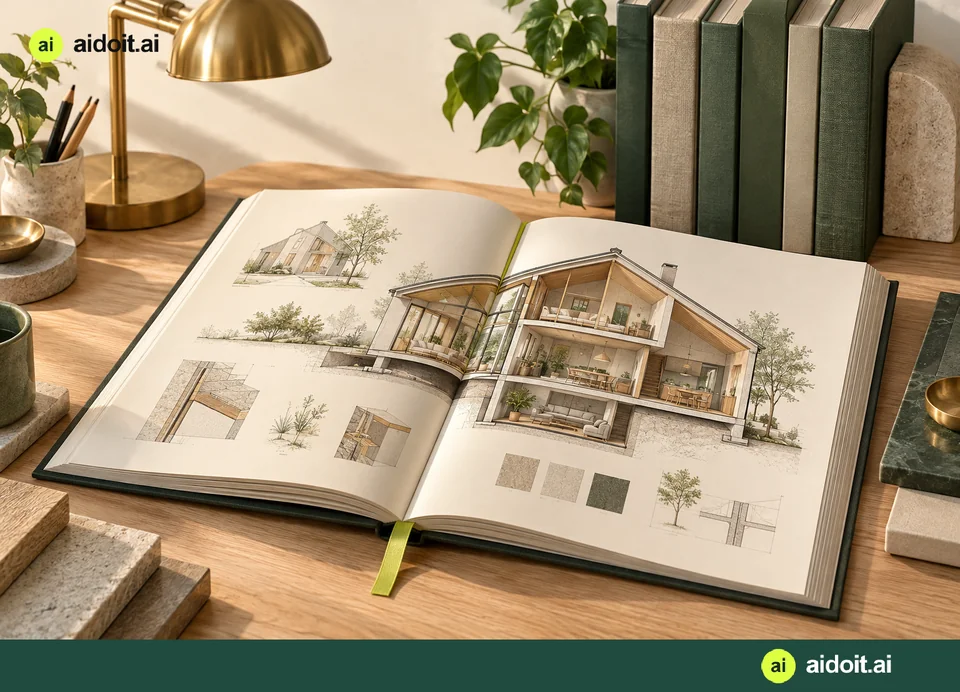
Create a simple architectural sketch from the perspective of the source photo. Use it to explain openings, building elements and your ideas.
- 10
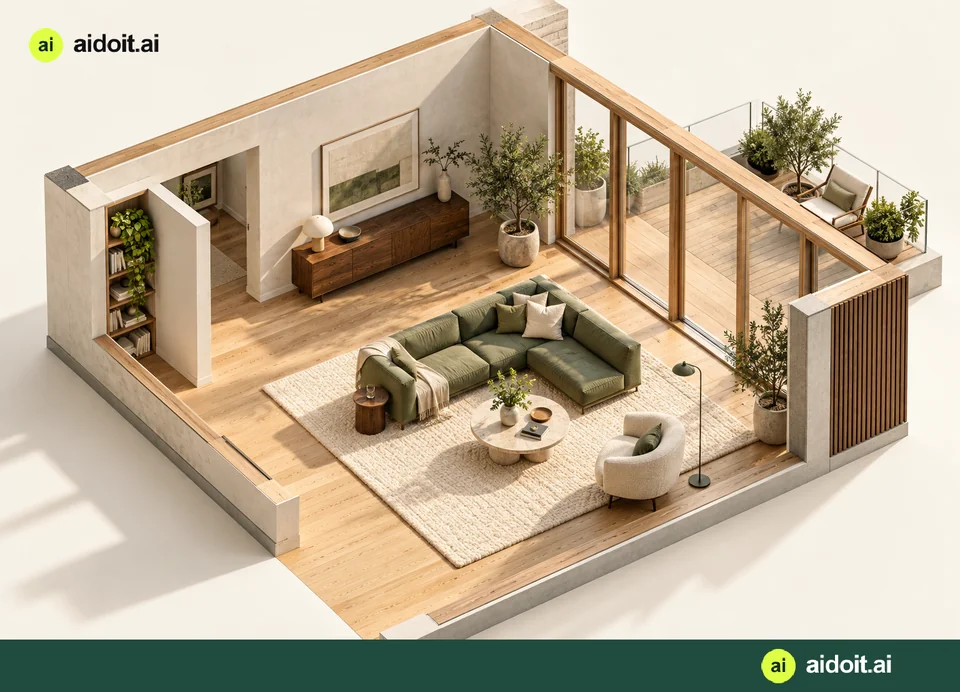
3D bird’s-eye views
See a room from above in a perspective image. Create a current-state view and a proposed renovation using selected angles and gallery inspiration.
An AI image with estimated hidden areas, not a measured or interactive 3D model.
11—14
Make the film yours
Tell the story of your home with images, drawings and your own voice.
- 11
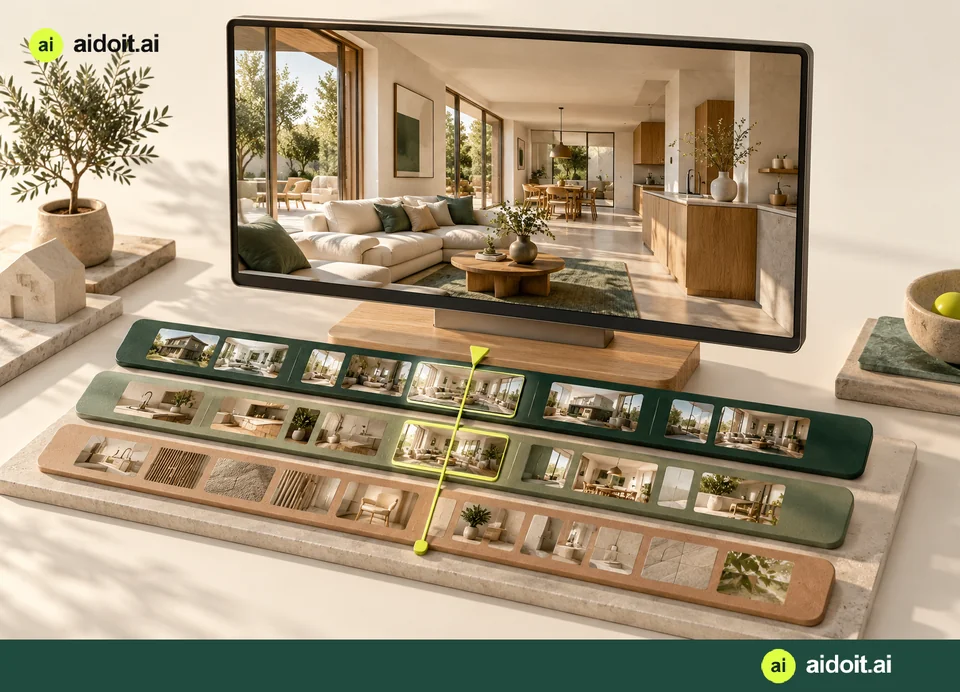
Recordings by room and section
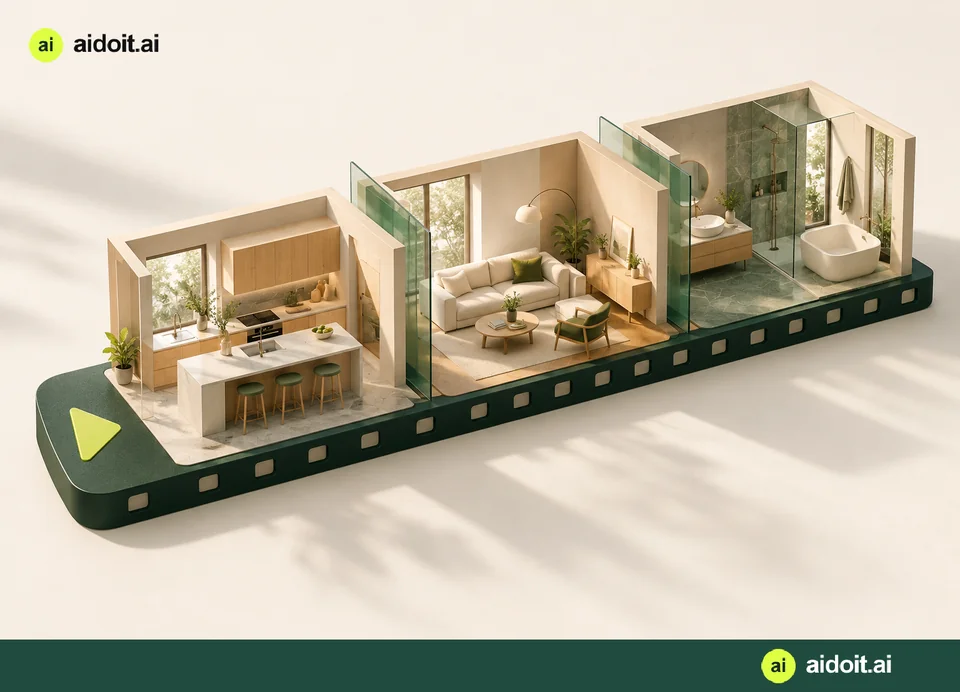
Let AI divide a walkthrough into named rooms and clips based on what is visible. Edit names, descriptions and boundaries, and play each clip in place.
- 12
Content for each clip
Add a description, visualisation, drawing or voice-over to a section. Choose what appears in the film and exclude unwanted sections. Voice-over can continue across images.
- 13
Film editing
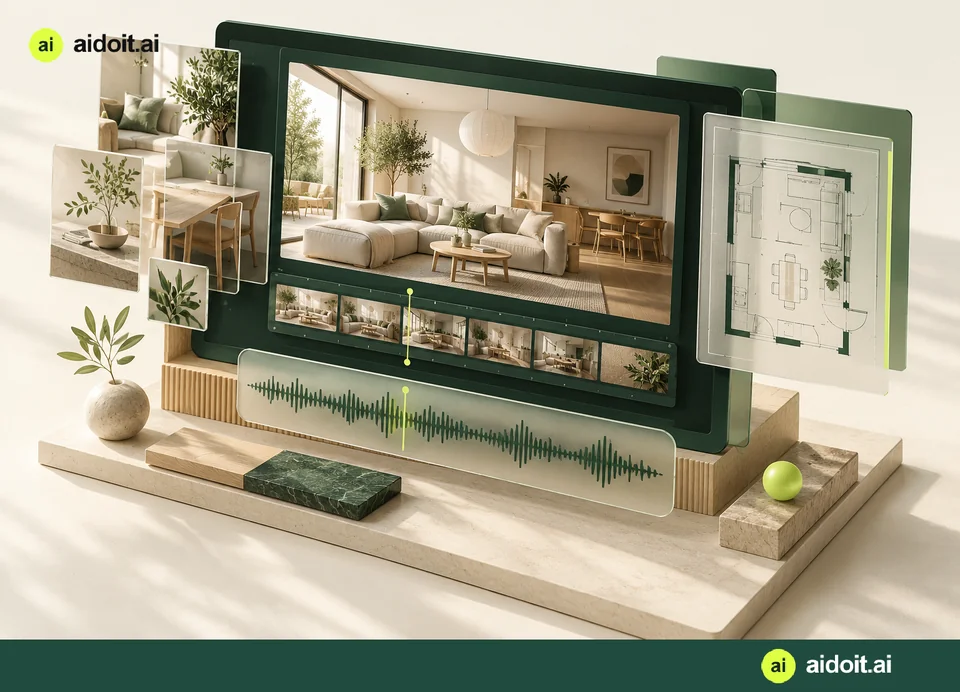
Combine an introduction, chapters, text, images and voice. Trim footage, adjust order and duration, save new versions or combine recordings.
The original recording is preserved.
- 14
Short videos for sharing
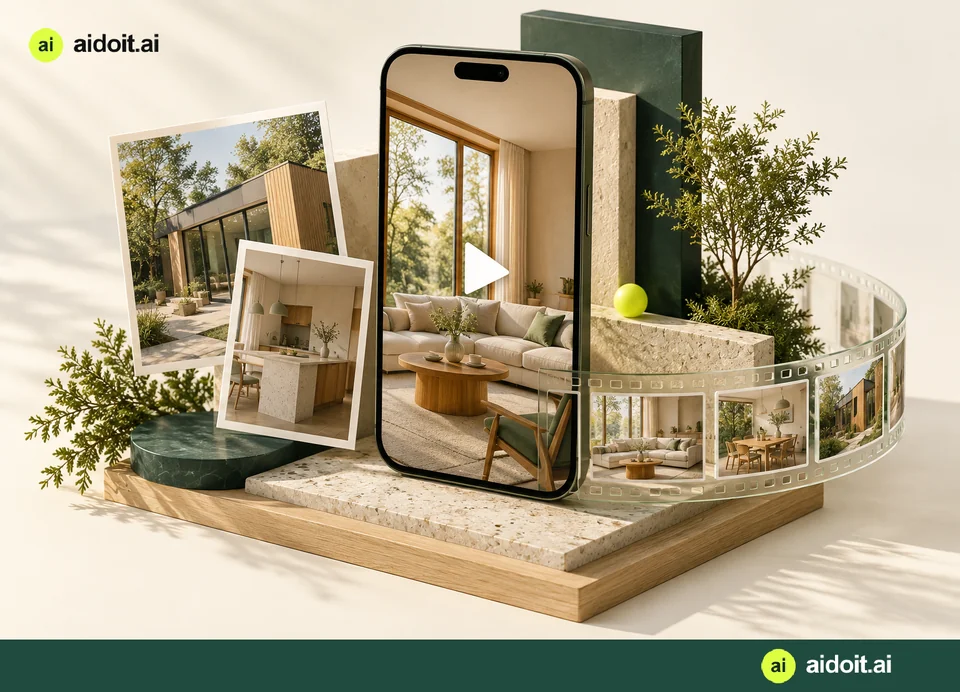
Turn photos, visualisations, drawings and clips into short films. Choose text, music, format and quality, then save or share the result.
15—19
Plan and collaborate
Organise the work and talk to the people who will help.
- 15
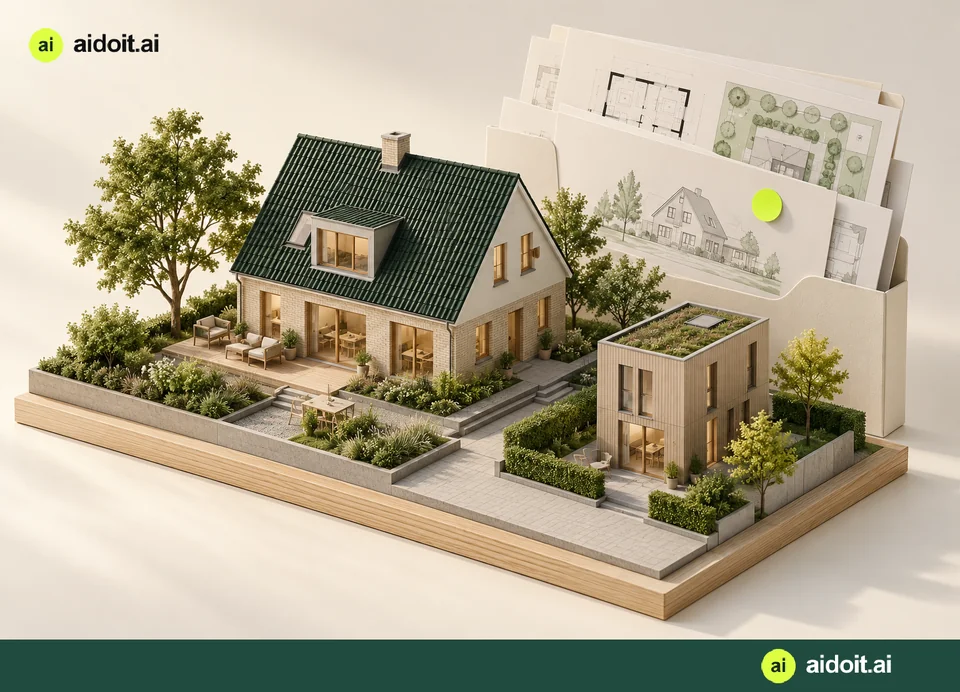
Reports and presentations
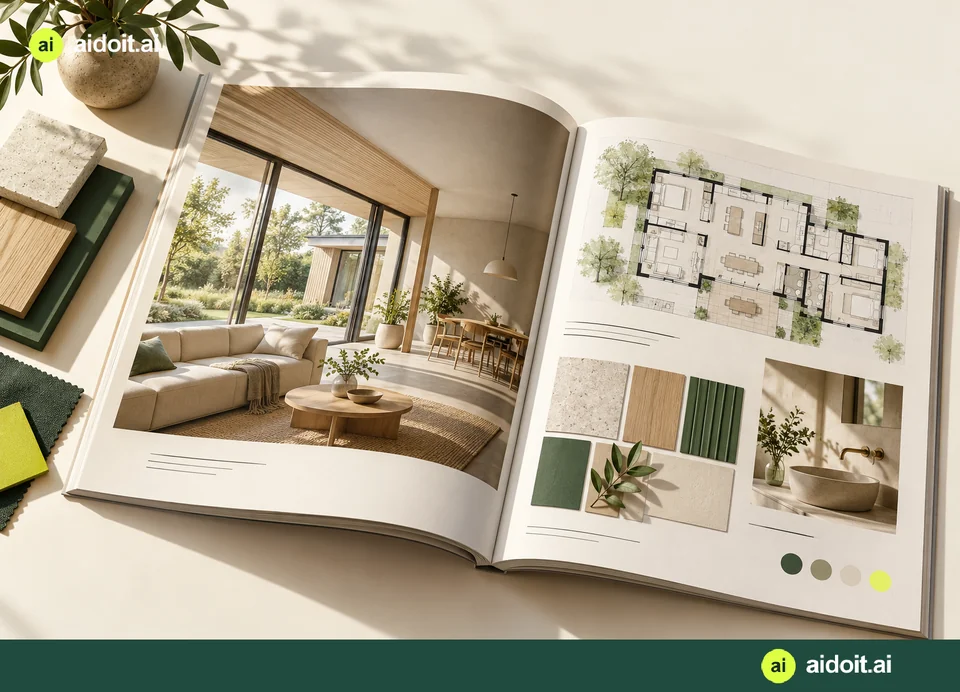
Bring ideas, images, recordings and results into a report or a home magazine. Explain the project to family, advisers or tradespeople.
- 16
Cost estimates and project budget
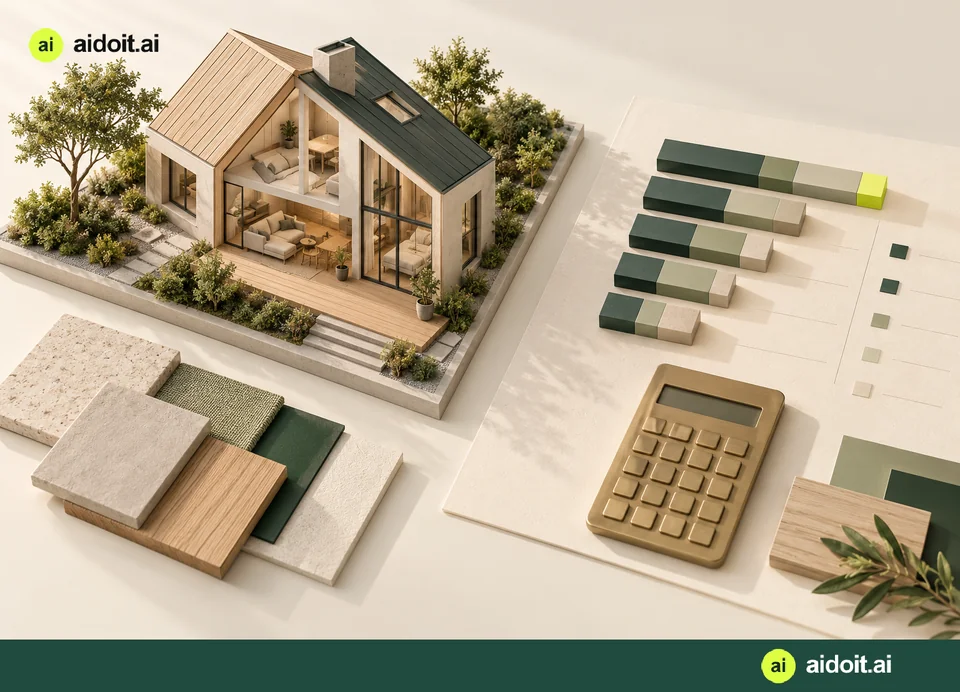
Build a planning budget with materials, labour and clear assumptions. Combine estimates from individual projects and account for VAT and contingency.
An estimate is not a binding contractor quotation.
- 17
Work plans and schedules
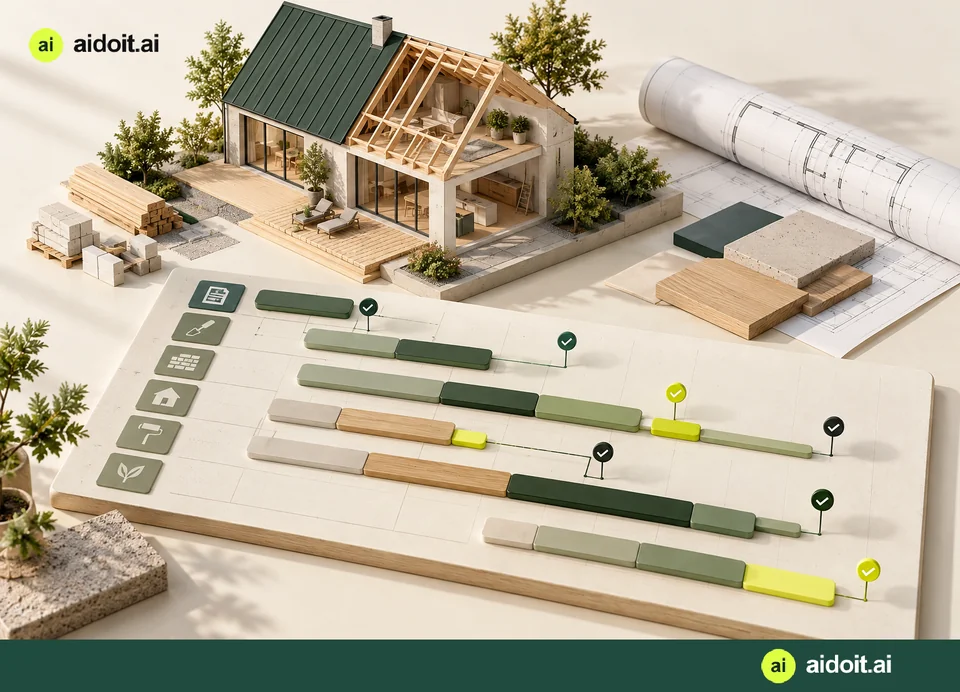
Break work into stages and tasks. Plan time, staffing and waiting periods, move activities and track progress with photos of completed work.
- 18
Sharing, messages and AI secretary
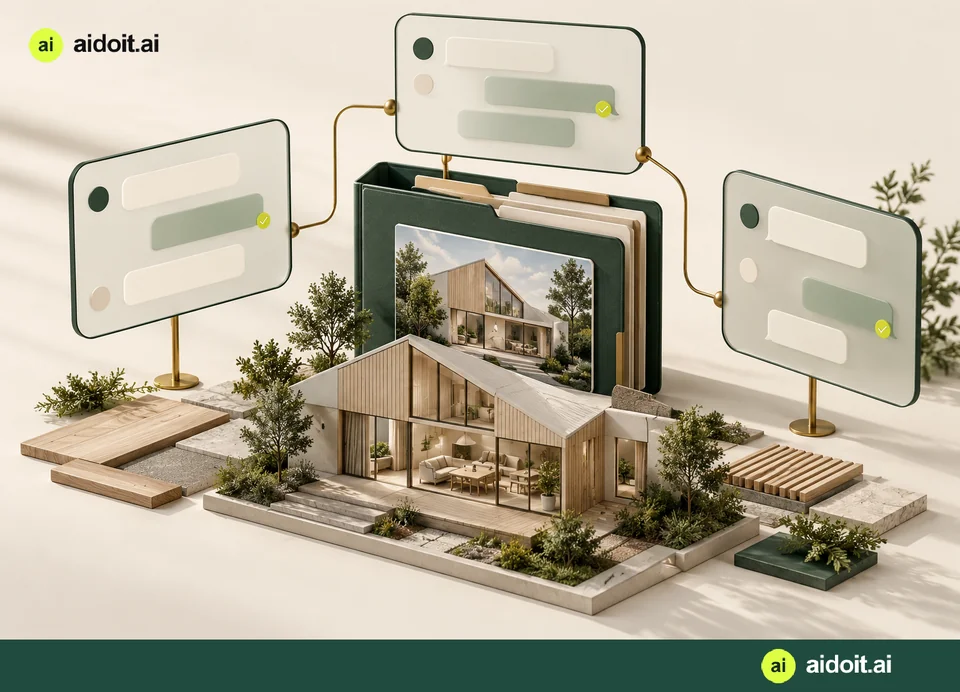
Share selected material and talk in private rooms. Get help drafting messages, summaries and invitations; choose recipients and approve before sending.
- 19
Communication with your contractor
Keep the dialogue between the property owner and contractor in one place. Share descriptions and images, clarify changes and keep track of agreements to help prevent misunderstandings and disputes. Contractors have their own collaboration portal.
A wider tender round for multiple contractors is in development.
20—21
Selling, knowledge and help
Take the next step with everything in one place.
- 20
Prepare to sell
Collect property information, photos and improvement ideas. Through vurdering.nu and blivsalgsklar.nu, invite agents to a private valuation room for an as-is price and, where relevant, a price after the illustrated changes.
Combined sales-scenario comparison within aidoit is in development.
- 21
Knowledge, support and administration
Find specialist guides, examples and project help. The system also includes tools for managing users, support, usage and pricing data.
Administration requires separate access and is not included with an ordinary login.
Start with your home.
A photo, a recording or simply an idea is enough to get started.