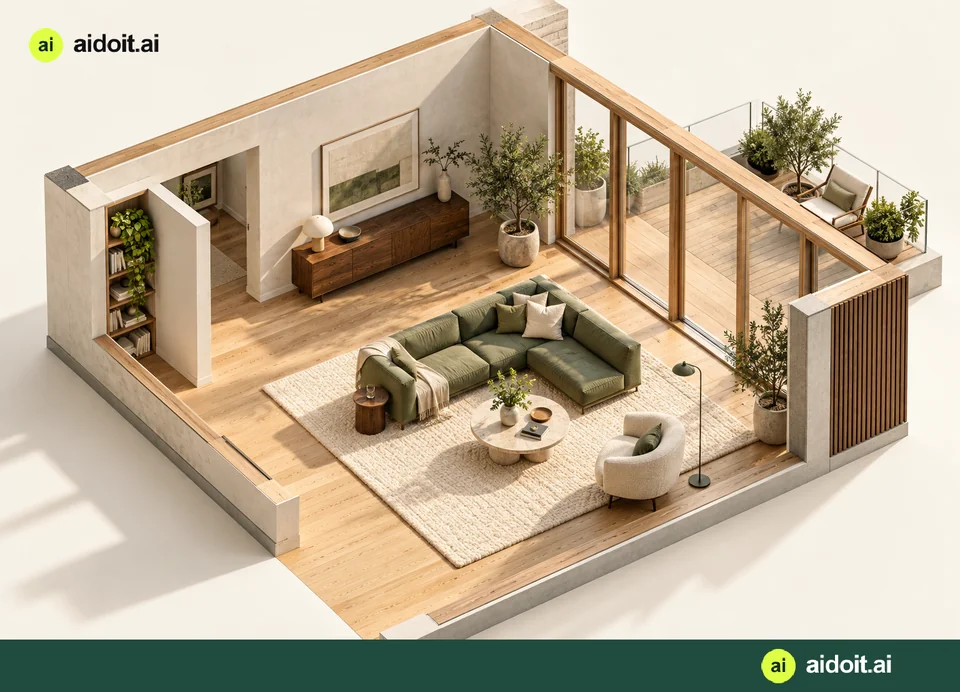
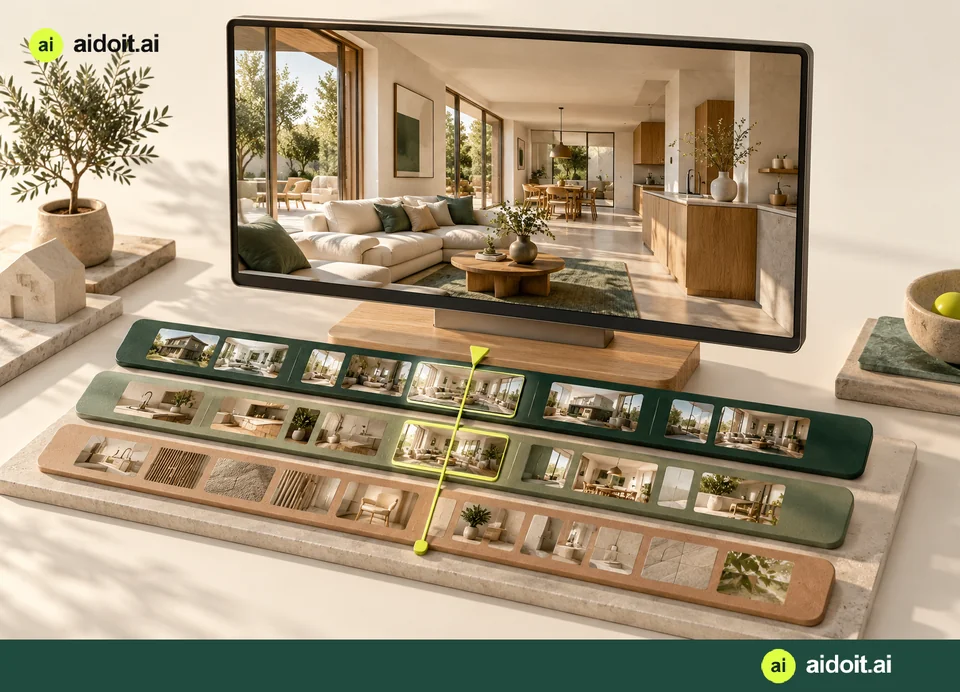
Bring your project together
With an activated free login, create your own properties and rooms, add photos and floor plans, and save your work in your private workspace.
AI that moves the work forward
aidoit.ai turns your intent into a plan, your plan into action, and the action into work you can actually use.
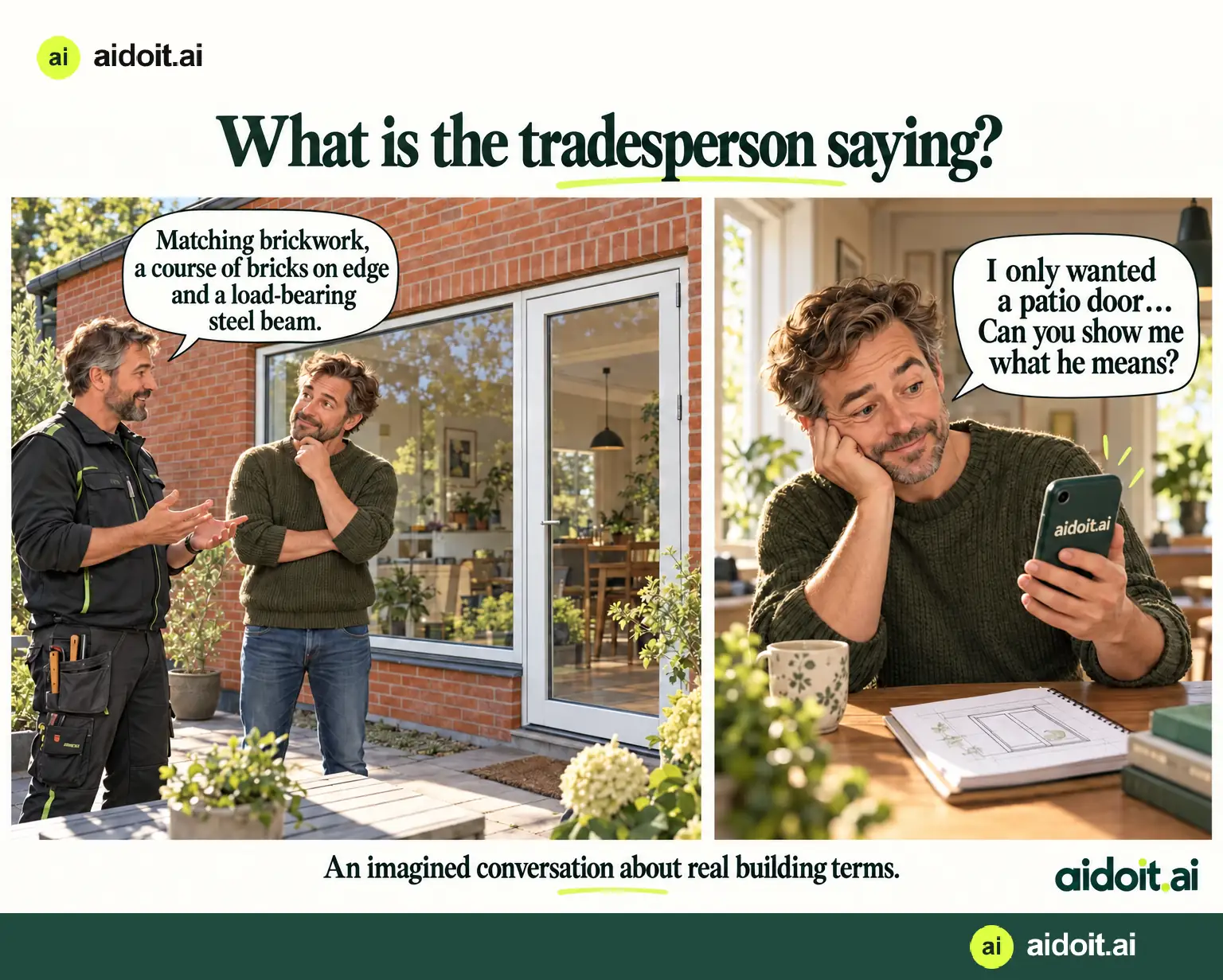
Questions about DIY and building
Brick bonds, lintels and steel beams. Sometimes the hardest part of a renovation is understanding the answer. See how words and illustrations can make the conversation easier.
See the terms explainedYOUR HOME · YOUR POSSIBILITIES
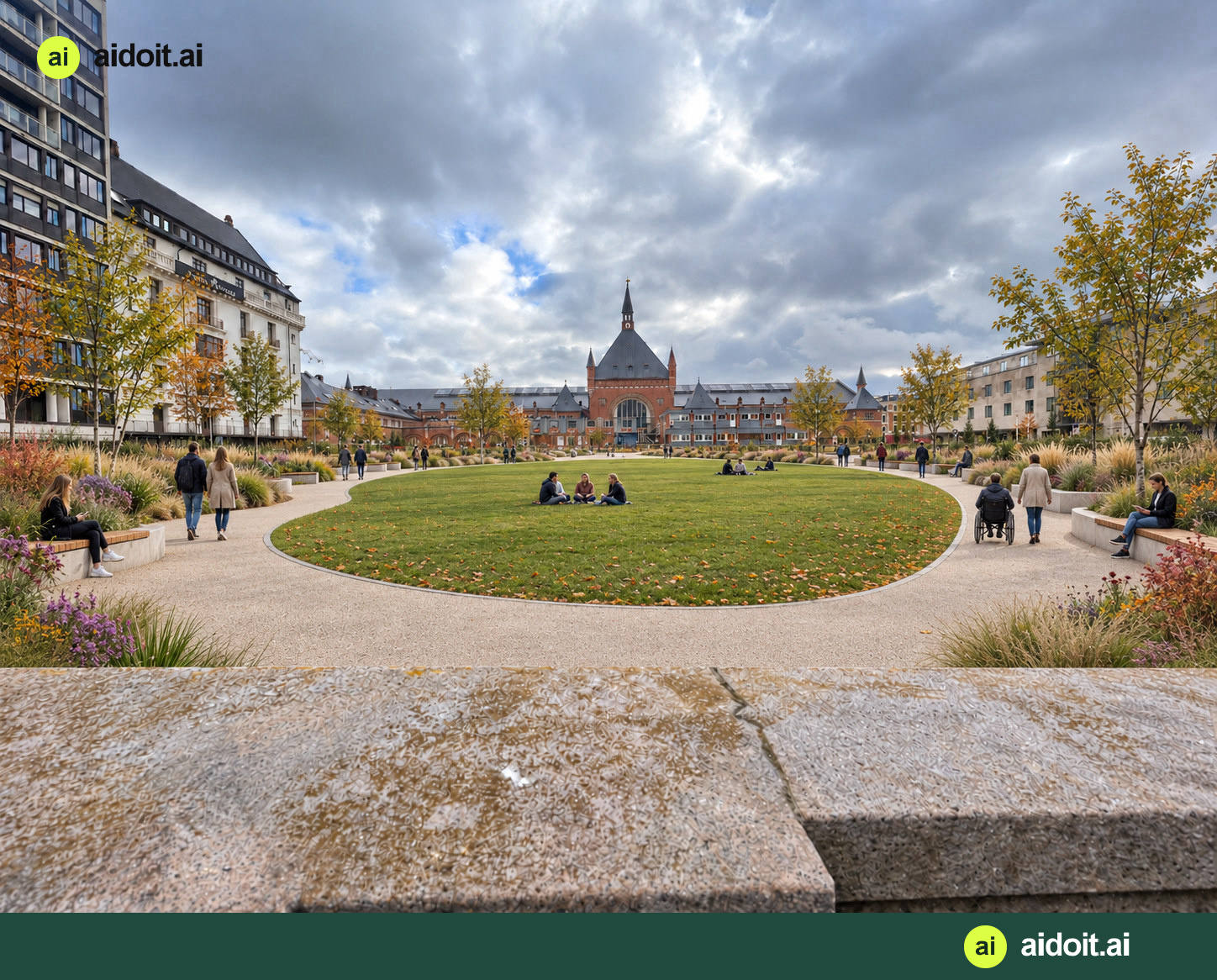
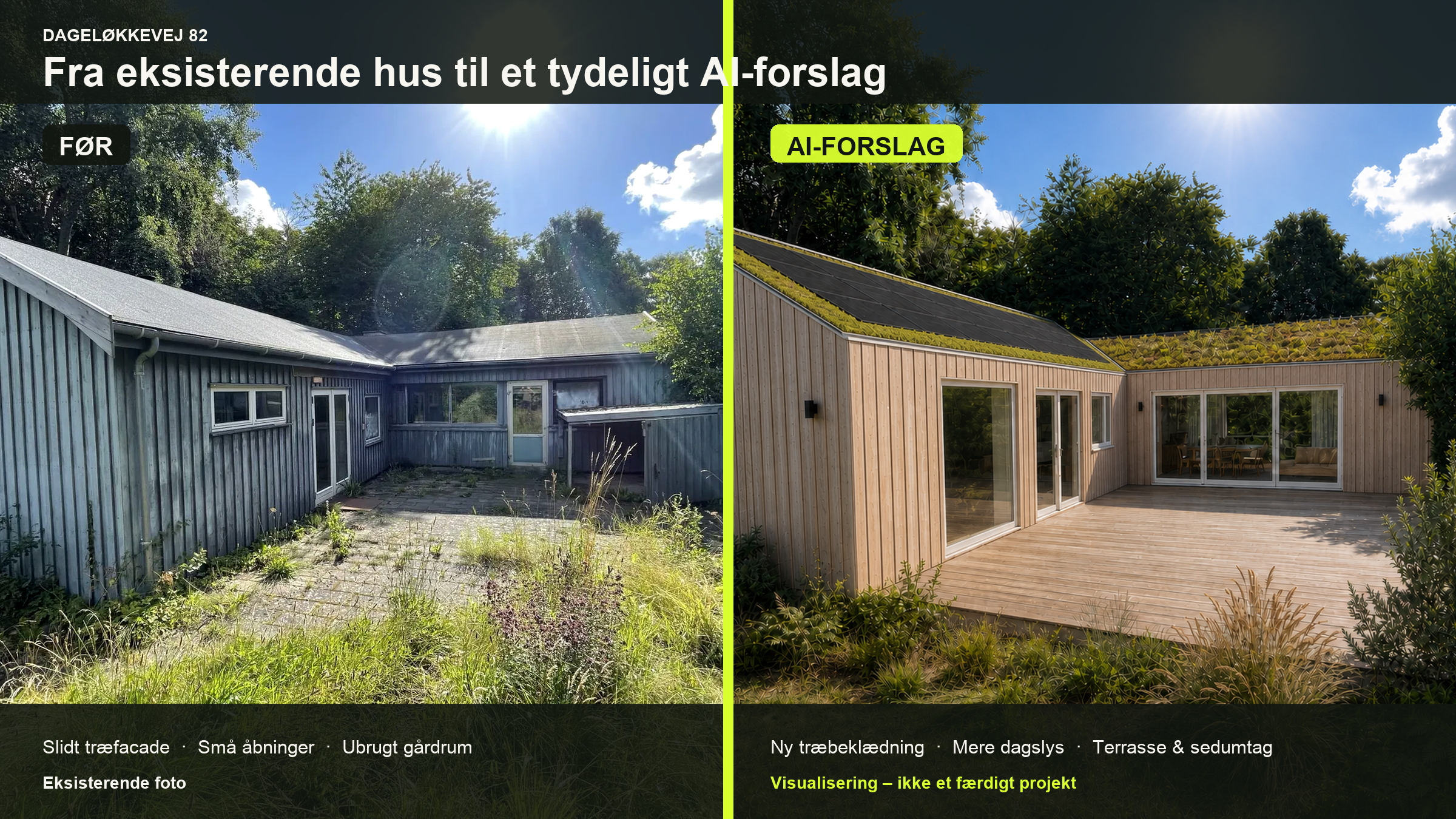
From one room to the whole house. Try new kitchen fronts, bathroom tiles, or a combination of floors, walls and ceilings that feels right for you.
aidoit starts with your photos and drawings. You choose the direction, materials and colours, and can request changes along the way.
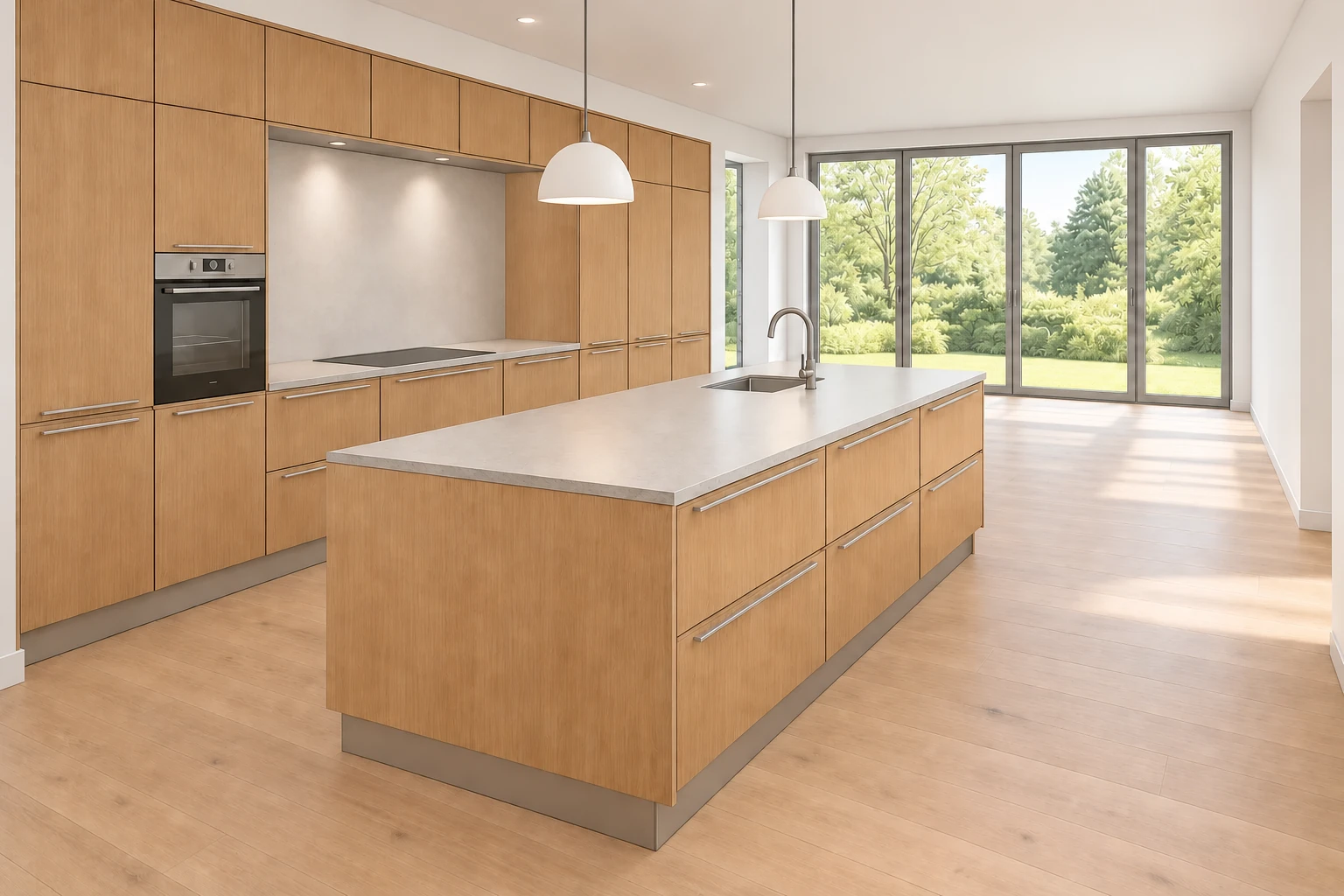
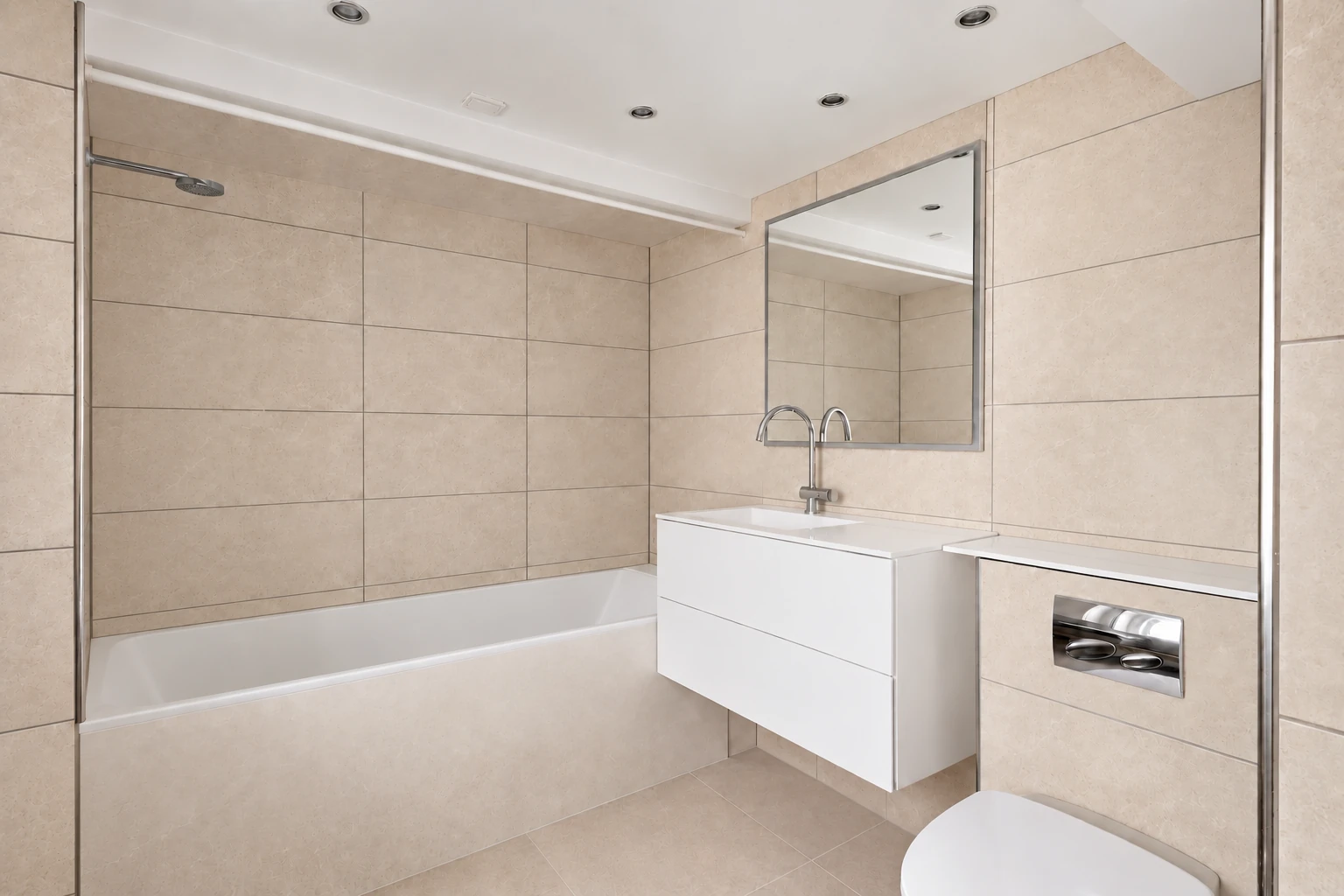
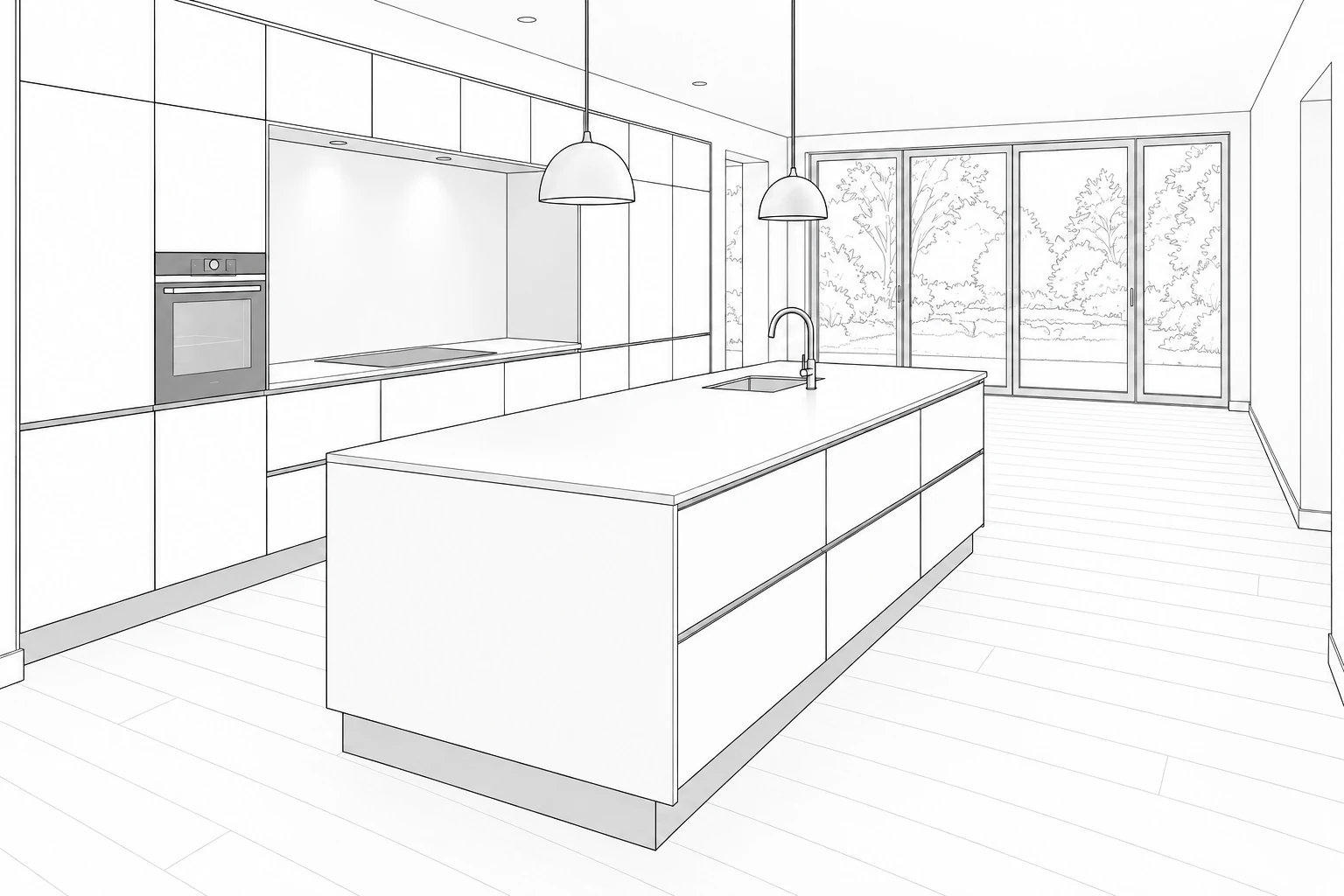
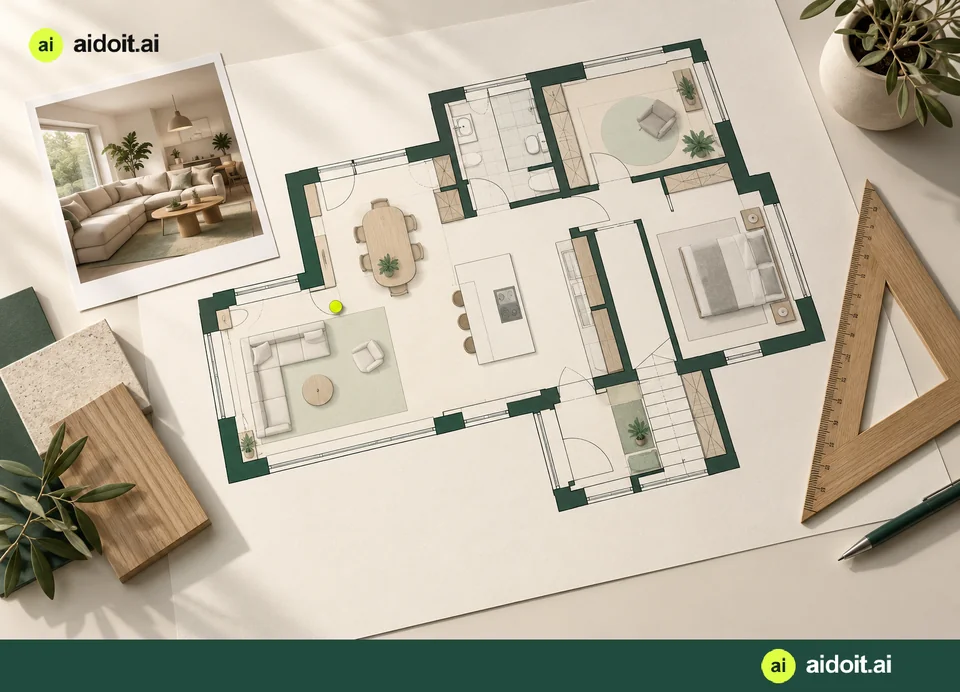
Examples of aidoit visualisations and room drawings
With an activated free login, create your own properties and rooms, add photos and floor plans, and save your work in your private workspace.
Choose a photo and try materials and colours. Create visualisations and room drawings, describe revisions and save your versions. Image generation has usage limits.
See estimates and documented subtotals from your projects. Missing prices and uncertain items appear separately, so you can see what still needs to be established.
Your generated images come together in the gallery. Carry a chosen floor forward when working on the walls, ceiling or kitchen. Build on your choices while the project budget brings the figures together.
Explore before signing in. Then use your own project to make the ideas personal.
Choose a supplier · Change the front
Choose between kitchen suppliers and see the same layout with different fronts, colours and materials. Compare looks and visit suppliers with publicly available product and price information.
In the kitchen universe, choose a supplier and click a front. The main image changes to that design in the same kitchen.
Make it your own with RAL colours, written or dictated ideas, or an inspiration link.
Choose a layout to change the sketch
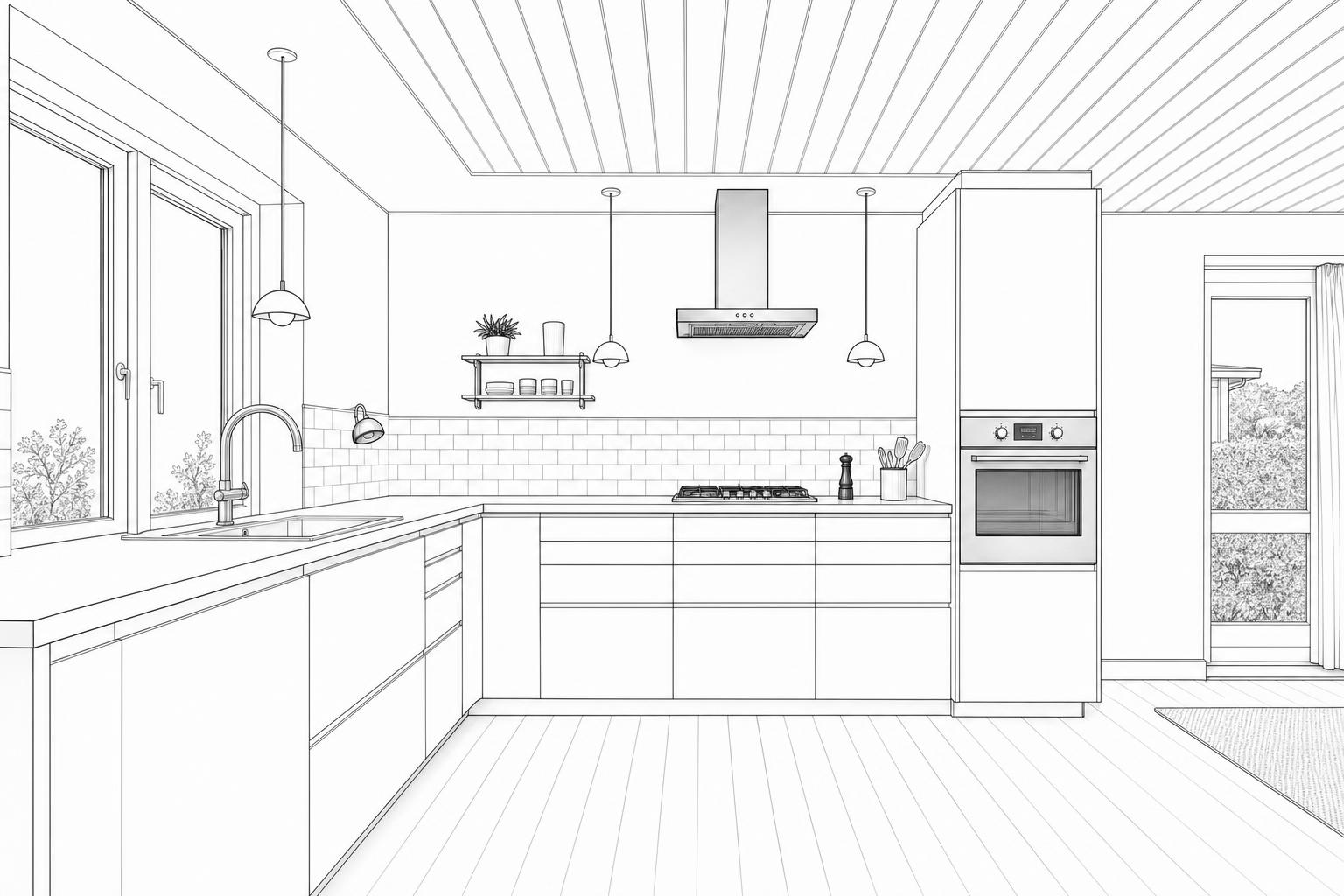
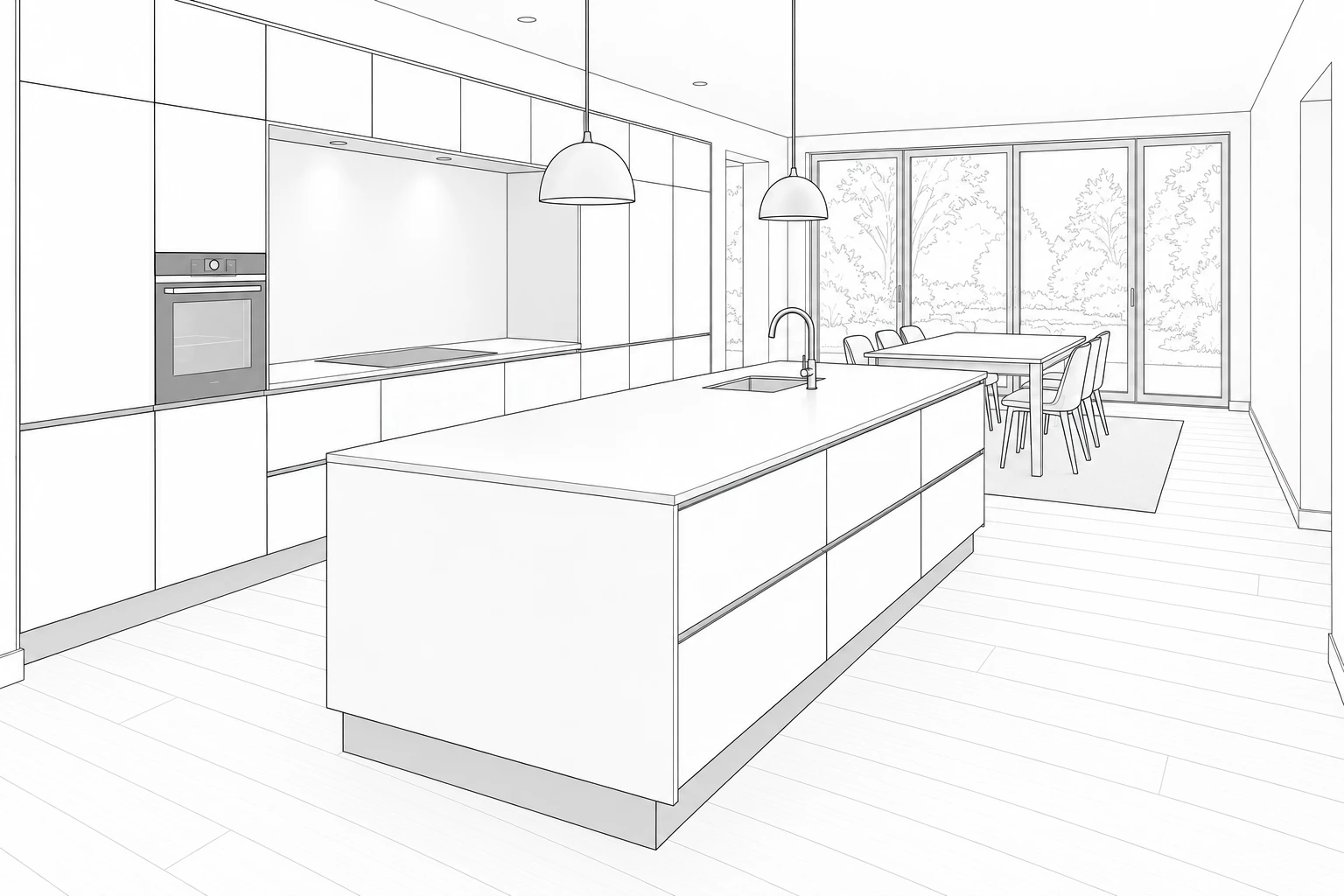
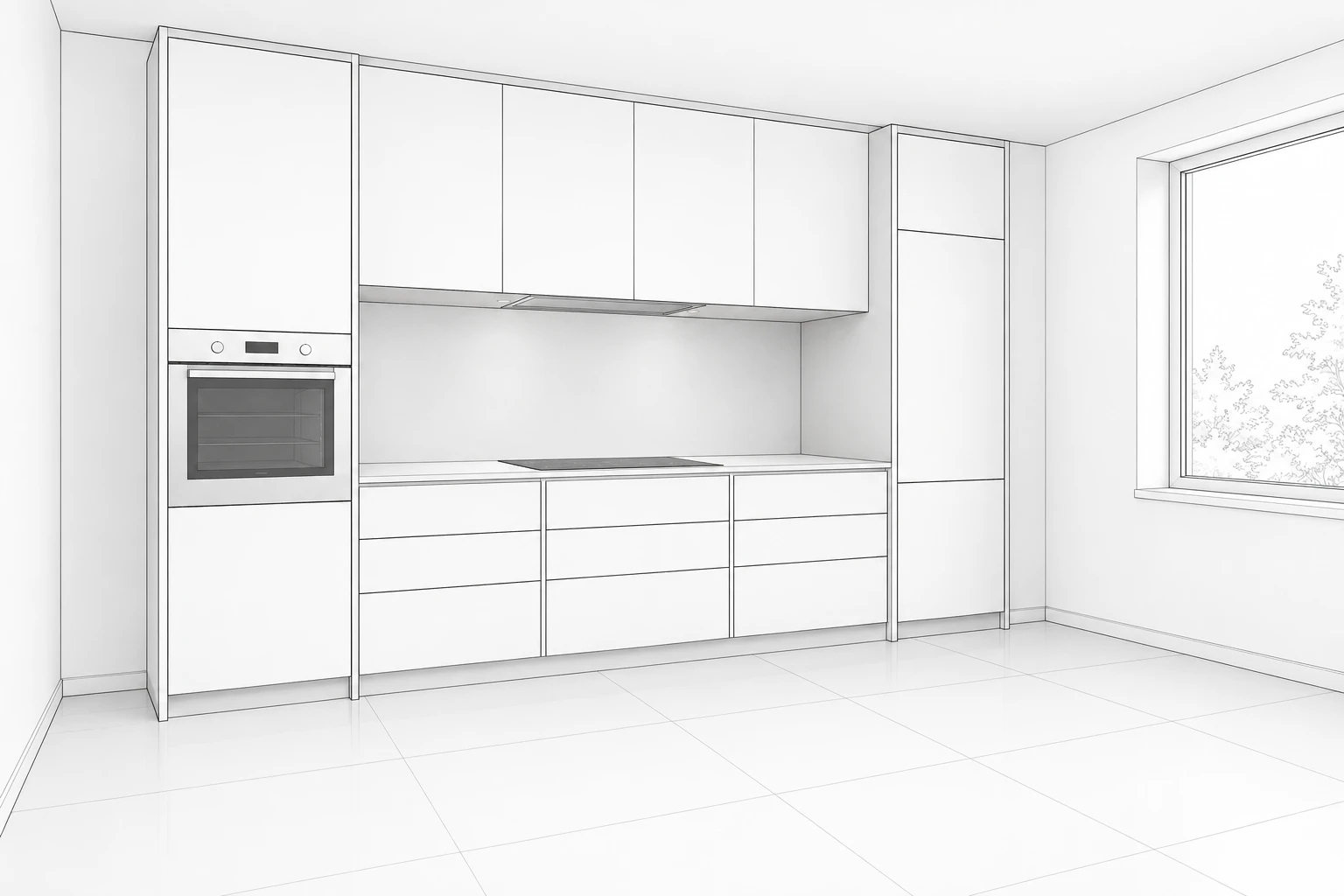 Room sketch
Two walls, a sink by the window and an open corner.
The catalogue is open to everyone. Sign in to create and save your own visualisations. Catalogue in Danish. AI visualisations are illustrative.
VIDEO FRA DINE BILLEDER
Brug dine visualiseringer og billeder til en kort fortælling med musik, tekst og bevægelse. Se den færdige video, og send et link via SMS eller WhatsApp.
Skab en video →EXPLORE THE POSSIBILITIES · NO SIGN-IN
A recording helps aidoit understand how your rooms connect while hearing your explanation. Show what matters and describe what you want.
“I want to bring the kitchen and living space together here, keeping the daylight and connection to the garden.”
AI ORGANIZES A DRAFT
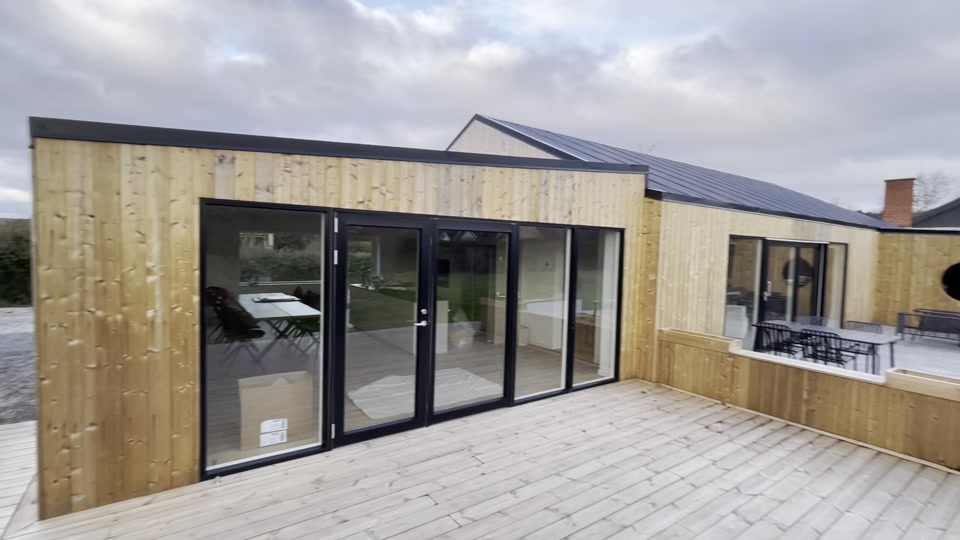
Illustrative exampleAn open room with windows, exposed beams and access outside.
A wish for a kitchen and living space with daylight and a garden connection.
Which walls and openings should stay? Compare the drawing with the tour.
Rooms, wishes and open questions are brought together with relevant images and drawings in a startup report.
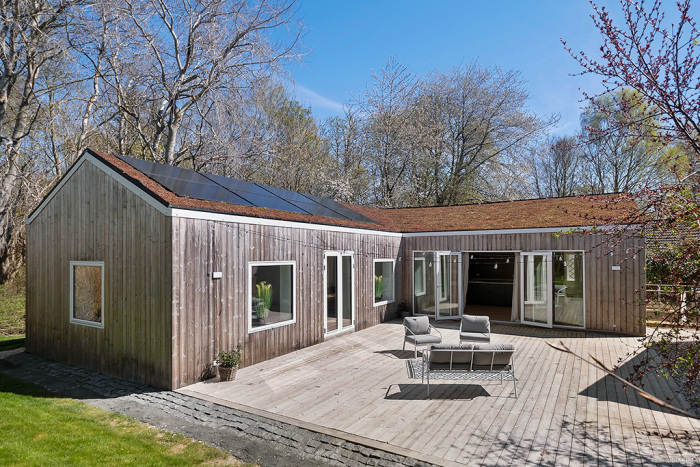
Original silent recordings from the public woodland-home case. The user explanation and AI text are illustrative examples, not a transcript.
A tour at the start or a short update at the end of the day.
AI suggests a description and clear frames linked to the original recording.
Approve the information and choose images for a gallery, report or building log.
Show passages and the kitchen from different angles. Confirm any uncertain connections.
“Keep this door. Put the kitchen here.” Edit and approve the proposed description and images.
Record completed work and waiting reasons. Save the approved update to the building log and compare it with the schedule. Translate speech while retaining the original.
Show access, fixtures and work areas to clarify the scope and check it against the quote.
Show a sticking door, a drawer collision or a noisy installation. Check movement and sounds in the original; AI frame and speech analysis is not a technical inspection.
Video adds context, explanation and movement. Sharp photos remain the basis for visualizations and comparisons.
The aidoit method
Good AI work does not start with magic words. It starts with a clear outcome and a process you can see.
Give aidoit.ai the outcome, context and constraints. Start with intent—not a perfect prompt.
↘It breaks the brief into a visible plan, moves through the steps and surfaces decisions when they matter.
↘Review the output and the path behind it. Refine what needs judgment, then ship with confidence.
↘Inside the workspace
Conversations are easy to start and hard to finish. aidoit.ai gives every piece of work a destination, a visible path and a record of the decisions along the way.
Sign in to your private workspaceAn account is required. Your workspace starts empty; you choose what to share and with whom.
One place to finish things
The gap between “we should” and “it’s done” is. aidoit.ai is built for the work that keeps getting stuck in between.
Turn a broad question into a sourced, structured brief that is ready to use.
Plan the work, create the pieces and check the result against the original goal.
Shape the angle, draft the assets and keep every piece aligned to one clear brief.
Case stories
See how real, messy tasks become reviewable results—with the evidence and decisions kept attached.
Read the latest case storyQuestions, answered
Still wondering if it fits your work?
aidoit.ai is an AI execution workspace built to move work from intent to completion. It structures the task, does the work and makes the result easy to review.
A chat gives you answers. aidoit.ai keeps the outcome, plan, source material, decisions and finished deliverable connected.
Human judgment stays in the loop. Important choices are surfaced at checkpoints before the work is treated as complete.
For people and teams with real work to move forward—research, products, communication, design and operational tasks.
You can create a free account and explore the features. AI image generation has usage limits.